Audio vs Video Duration Rules
Audio Tab - Audio vs Video Duration Rules
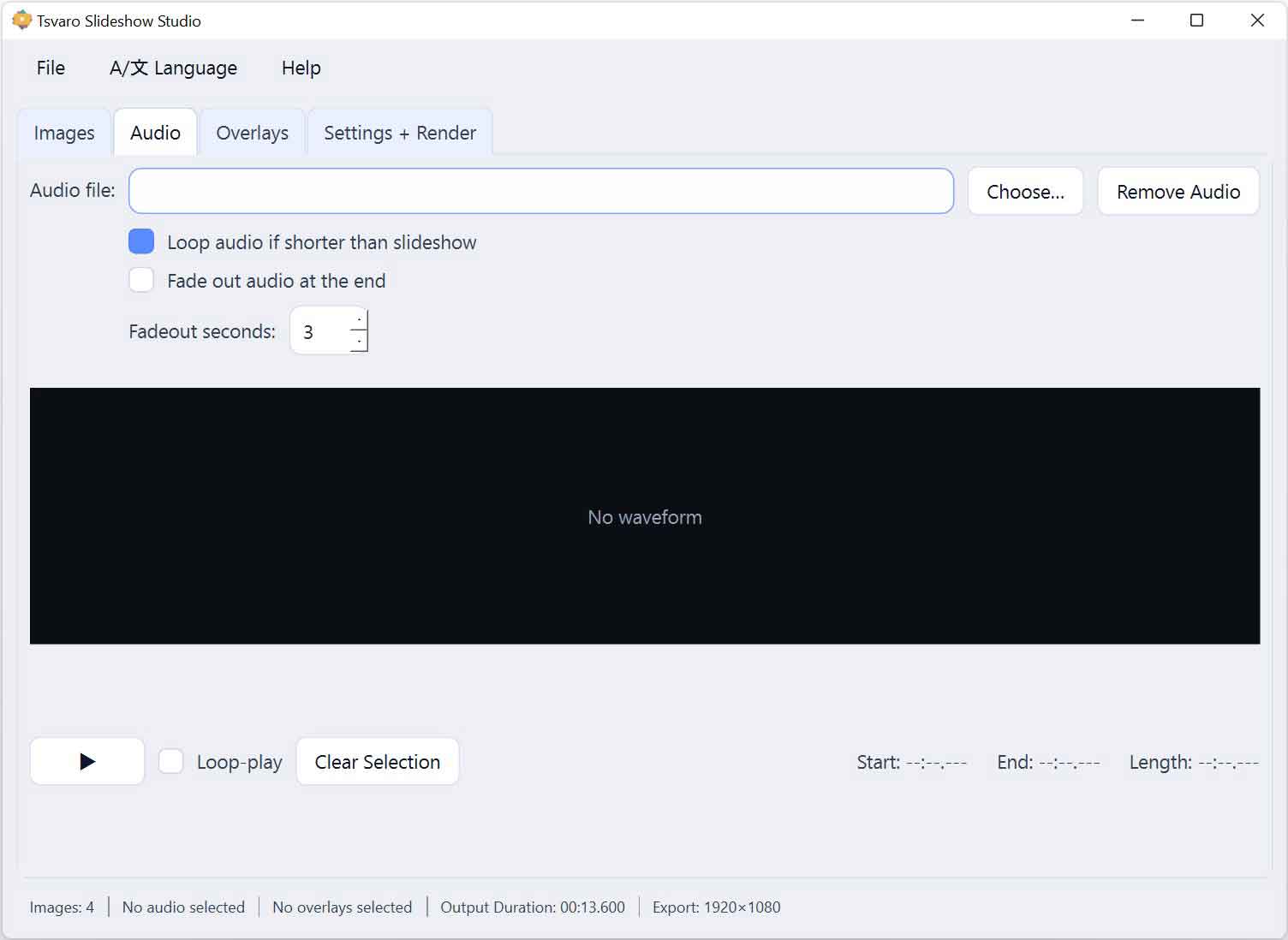
In Tsvaro Slideshow Studio, the final length of the rendered video is determined by a clear and predictable set of rules that define how audio duration and image timing interact. These rules ensure that the output video always has a well-defined end point and that audio and visuals remain synchronized.
Understanding these rules helps avoid surprises during rendering and allows you to intentionally decide whether the slideshow should follow the rhythm of the audio or an independently defined visual timing.
Primary duration driver
At render time, the application evaluates which element should define the final video length:
- Audio-driven duration - when image timing is fitted to audio
- Image-driven duration - when images use a fixed duration per image
Only one of these approaches is active at a time, based on the selected options.
Case 1: Fit images duration to audio
When Fit images duration to audio is enabled:
- The total slideshow duration becomes equal to the selected audio duration.
- The duration of each image is automatically recalculated.
- All images together fill the audio length exactly.
In this mode, the audio is considered the primary timeline reference. This approach is ideal for music-based slideshows, rhythm-driven visuals, or presentations that must end exactly with the audio.
Case 2: Fixed image duration (audio follows video)
When Fit images duration to audio is disabled:
- Each image uses the fixed duration defined in the Settings + Render tab.
- The total video length is calculated as:
- Number of images × image duration
- Plus any transition timing applied between images
In this case, the slideshow duration is image-driven, and audio is adapted to match the video length.
Audio shorter than video
If the selected audio (or selected audio segment) is shorter than the calculated video duration:
- If audio looping is enabled, the audio repeats until the video ends.
- If audio looping is disabled, the audio stops early and the remainder of the video plays without sound.
This rule applies only during rendering and does not affect preview playback.
Audio longer than video
If the selected audio segment is longer than the slideshow duration:
- The audio is automatically trimmed to match the exact video length.
- No manual trimming is required.
This guarantees that the rendered video never exceeds its intended visual duration.
Fade-out interaction
When fade-out is enabled:
- The fade-out is applied at the end of the audio that is actually used in the render.
- This applies whether the audio was looped or trimmed.
Fade-out always respects the final video duration and is never applied beyond it.
No audio selected
If no audio file is selected:
- The slideshow renders as a silent video.
- Video duration is defined solely by image timing.
This allows Tsvaro Slideshow Studio to be used for purely visual content without any audio dependency.
Guaranteed end condition
Regardless of the selected options:
- The render process always has a clearly defined end point.
- Audio is never allowed to extend beyond the final video frame.
- Video is never left running without a defined duration.
These rules are intentionally strict to ensure stable, predictable rendering behavior across all projects created in Tsvaro Slideshow Studio.