Empty State / Background Actions
Images Tab — Empty State / Background Actions
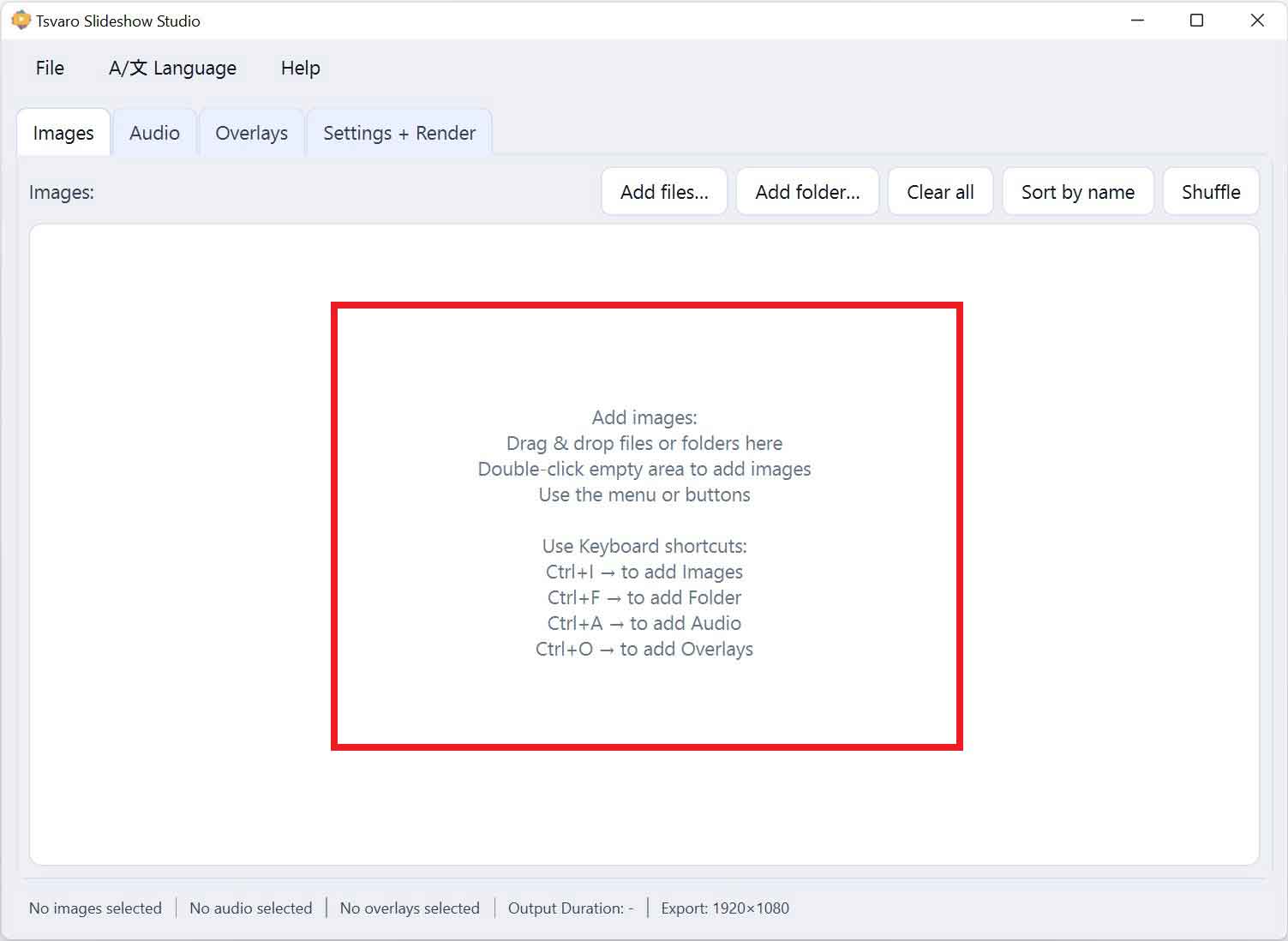
When no images are loaded, the Images tab of Tsvaro Slideshow Studio enters an empty state. This state is intentionally designed to be informative and interactive, guiding the user toward the next logical action instead of presenting a blank or inactive area.
The empty state applies specifically to the main image list area, before any images have been added or after the list has been cleared.
Empty state appearance
When the image list is empty:
- A background instruction text is displayed in the list area.
- The message clearly explains how images can be added.
- No image items or per-image controls are shown.
This visual state makes it immediately obvious that the project currently contains no images and that the next step is to import them.
Double-click action
While the image list is empty, the background area supports a double-click action.
- Double-clicking anywhere inside the empty list area opens the image file selection dialog.
- This action behaves the same as clicking the Add files… button in the Top Controls Row.
This provides a fast, intuitive shortcut for users who prefer direct interaction with the workspace instead of using buttons or menus.
Drag & drop support
The empty state also supports drag & drop.
- You can drag image files directly from your file manager and drop them into the empty list area.
- Dropped images are immediately added to the image list.
This allows the Images tab to act as a natural “drop zone” when starting a new slideshow project.
Transition from empty to active state
As soon as one or more images are added:
- The empty-state message disappears.
- The image list switches to its active state.
- All per-image controls and list interactions become available.
This transition happens automatically and requires no additional confirmation from the user.
Why the empty state matters
- It reduces confusion for first-time users.
- It clearly communicates available actions without opening documentation.
- It keeps the workflow fast and discoverable.
By making the empty state interactive rather than passive, Tsvaro Slideshow Studio encourages a smooth and immediate start to the slideshow creation process.